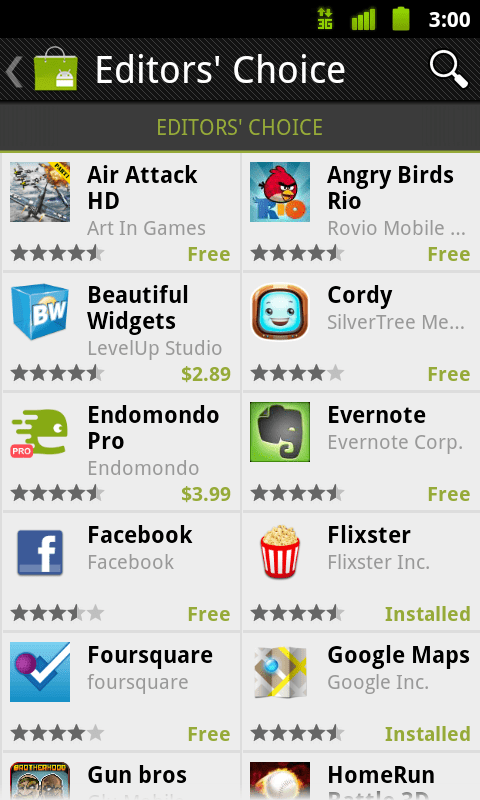
If you just can’t wait for the Android Market to automatically update on your phone over the next few weeks, follow these simple steps below to manually install the updated Market on your phone (no root required).
- Download the Market App HERE
- Open the file on your SD Card using a file manager
- Select the file, then click OK to replace the old market app
- Select Install
Movies cannot be played on rooted devices at this time, however there are a number of developers working on this and expect a fix soon.
Disclaimer: Rooting can void your warranty and may also brick your phone if not done properly. I am not responsible for any damage caused to your device, so go ahead at your own risk.

 Eugene O'Rourke