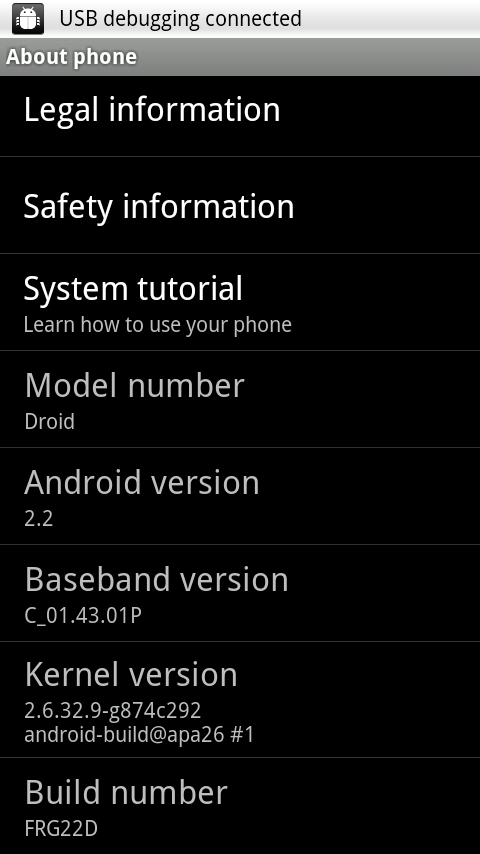
For those of you who still haven’t received the official Froyo OTA and cannot wait any longer, you can now manually install the update to your phone. Just follow these simple steps and you will be running Froyo in no time.
- Download FRG22D HERE, save to your SD card, and rename to “update.zip”
- Restart the phone in recovery mode (hold X while turning on)
- When the alert icon appears, release X
- Press volume up + camera button
- Select “apply update.zip” and reboot when finished

 Eugene O'Rourke