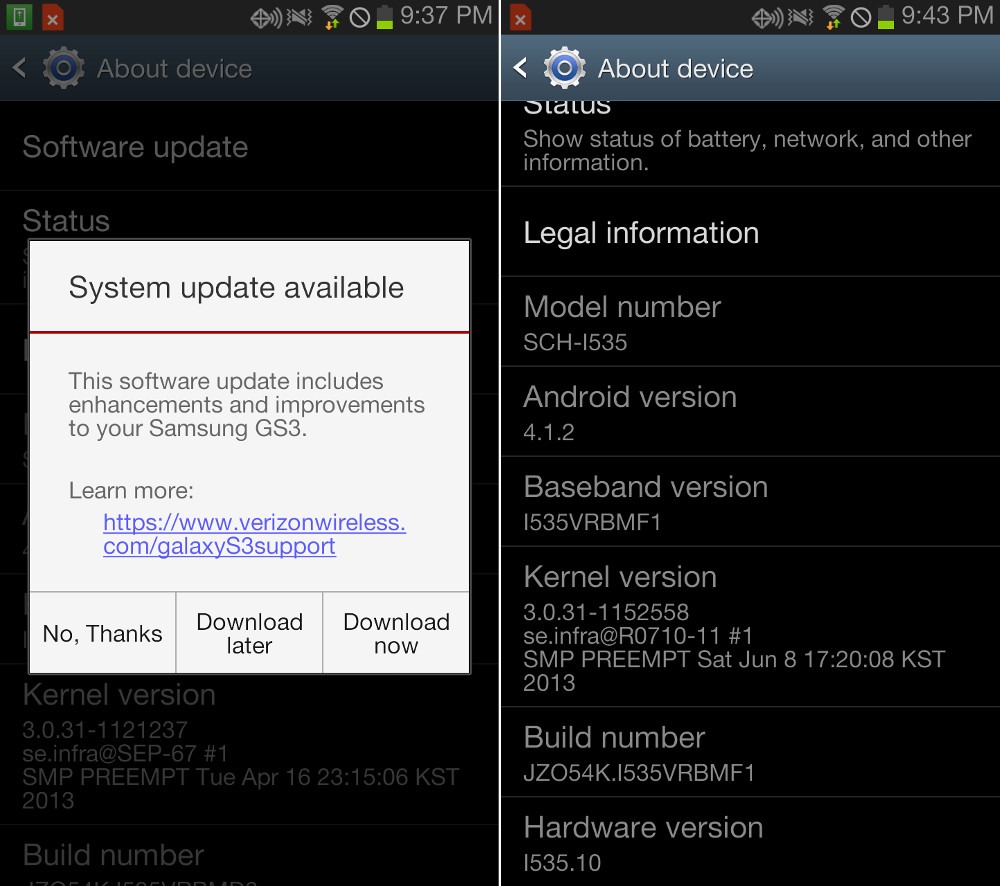
Last week, Verizon began pushing out a new update for their Samsung Galaxy S3’s, dubbed “VRBMF1.” The company pulled their last update because it caused connectivity issues, it’s being reported that this new update will help return devices to normal.
If you haven’t already received the update, you can manually update your Galaxy S3 by doing the following:
- From the home screen, press menu then settings
- Scroll down to the bottom / near bottom and select about phone
- Select software update

 Eugene O'Rourke